

I'm a UK-based photographer specialising in photographing people and artwork. I also teach FOSS (free and open source) software relating to photography and graphic design, both in-person and online via videolink. If you need help with GIMP, RawTherapee, Geeqie or Shotwell get in touch :)
My Website: https://jpicture.net/skills
On Mastodon: jpicture@mastodon.social
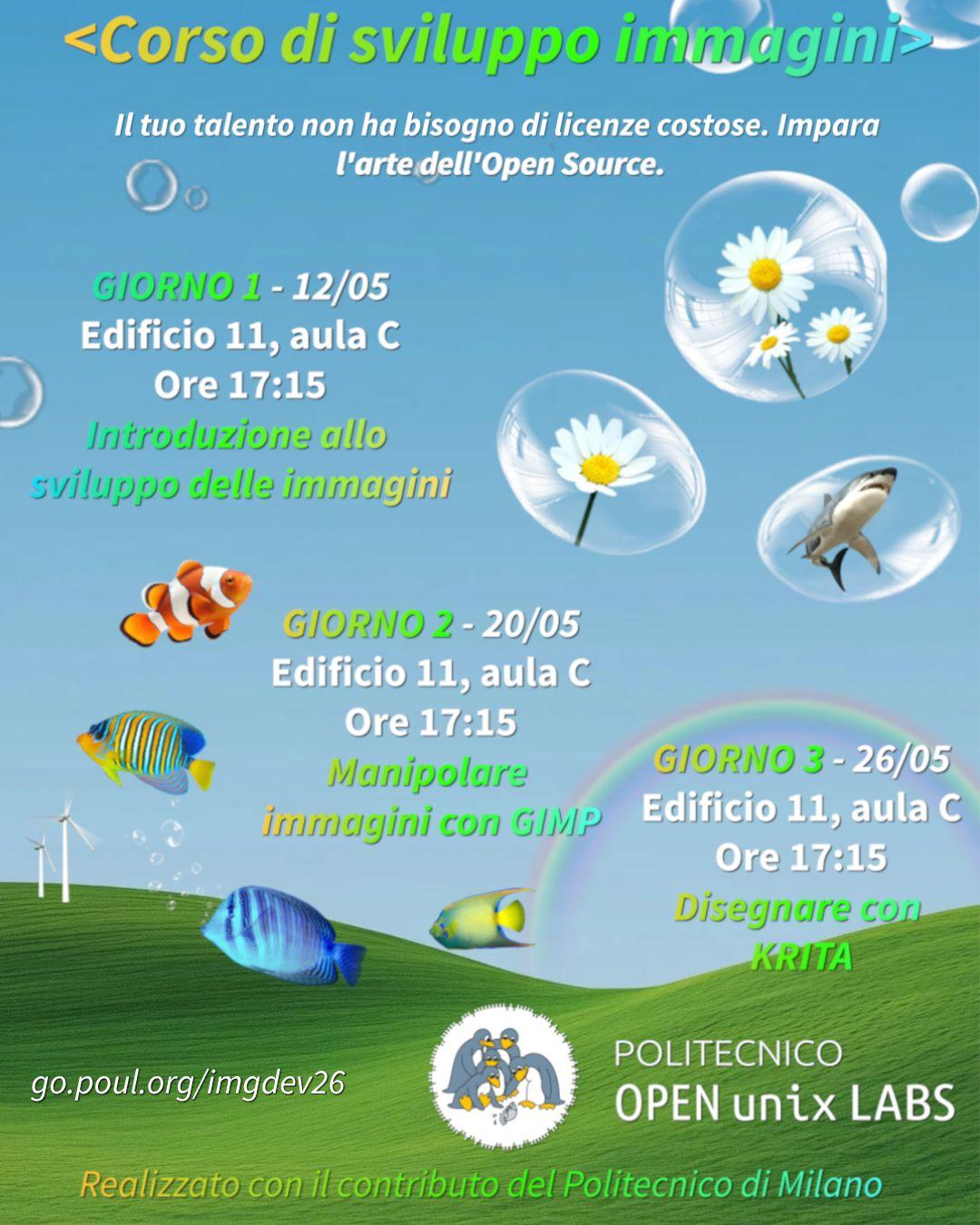
That's cool, although I don't speak Italian I have a soft spot for the people, and I'm glad they will be tutored in the ways of GIMP righteousness!
I would be intested to see the slides - do you have a link for them? Grazie
Great to see GIMP education happening 👍 Will the course be in Italian?

UnfinishedProjects — Open-licensed projects - a collective contribution
1mon 3h ago in opensource@lemmy.ml from unfinishedprojects.netThis sounds great. Will check it out 👍
How to disable all colour management?
2mon 3d ago in linux@lemmy.mlThis sounds very convenient and I think Wayland does use colord - will give it a go 👍
You can create a color management profile that doesn’t do anything
That would actually be great! I need a completely un-managed baseline to build off. How is it done?
you will most likely be happier doing whatever you’re doing on a mac.
I have too much sunk cost fallacy with this now and cannot turn back. If you have any practical tips for survival please share them!
That's an interesting idea - thanks. Perhaps a simple window manager would have no colour management to begin with. Will look into it 👍

GIMP 3.2.2 Released with Various Improvements and UI/UX Updates
2mon 20d ago in opensource@lemmy.ml from www.gimp.orgGreat to see all these new contributors getting involved since 3.0 was released.
GIMP is also consistently one of the top-rated applications in GNOME Software.

HyperflatGraphite: A Clean and Modern Dark Theme for the GIMP 3 Series
2mon 28d ago in opensource@lemmy.ml from lemmy.mlInteresting. That aligns somewhat with another comment I heard recently about buttons.
I'm not currently able to change the actual icons in my themes, but their 'brightness' is easy to adjust. If you want to do it yourself you can edit the rgb values on line 180 in the gimp.css file starting '@define-color fg-color'. They're currently set at 245 but you could change them to 230 for example.
Do you find them too bright in the dark theme?

HyperflatGraphite: A Clean and Modern Dark Theme for the GIMP 3 Series
2mon 28d ago in gimp from lemmy.zipMaking a new dark UI theme - help me decide an element colour
2mon 14h ago in gimp
New Theme For GIMP 3 - Lemmy Exclusive!
3mon 25d ago in gimp from lemmy.zip