

2026 04 08 * Kodak 200 * Kodak i60
1mon 18d ago in analog@lemmy.ca from lemmy.caIt is an advantage that she doesn’t care if the pictures end up “good” or “bad”, “pretty” or “ugly”.

2026 04 08 * Kodak 200 * Kodak i60
1mon 18d ago in analog@lemmy.ml from lemmy.ml
I know about pacman, no need to say it a dozen times.
3mon 21d ago in linuxmemesOn the bright side, nobody yelled at you. 434 comments (and counting).

How to remove a floating bar
6mon 23d ago in ipados from lemmy.ca
How to remove a floating text bar?
6mon 23d ago in ipad from lemmy.ca
Tried this new toy , worked really well
8mon 7d ago in nsfw from lemmynsfw.com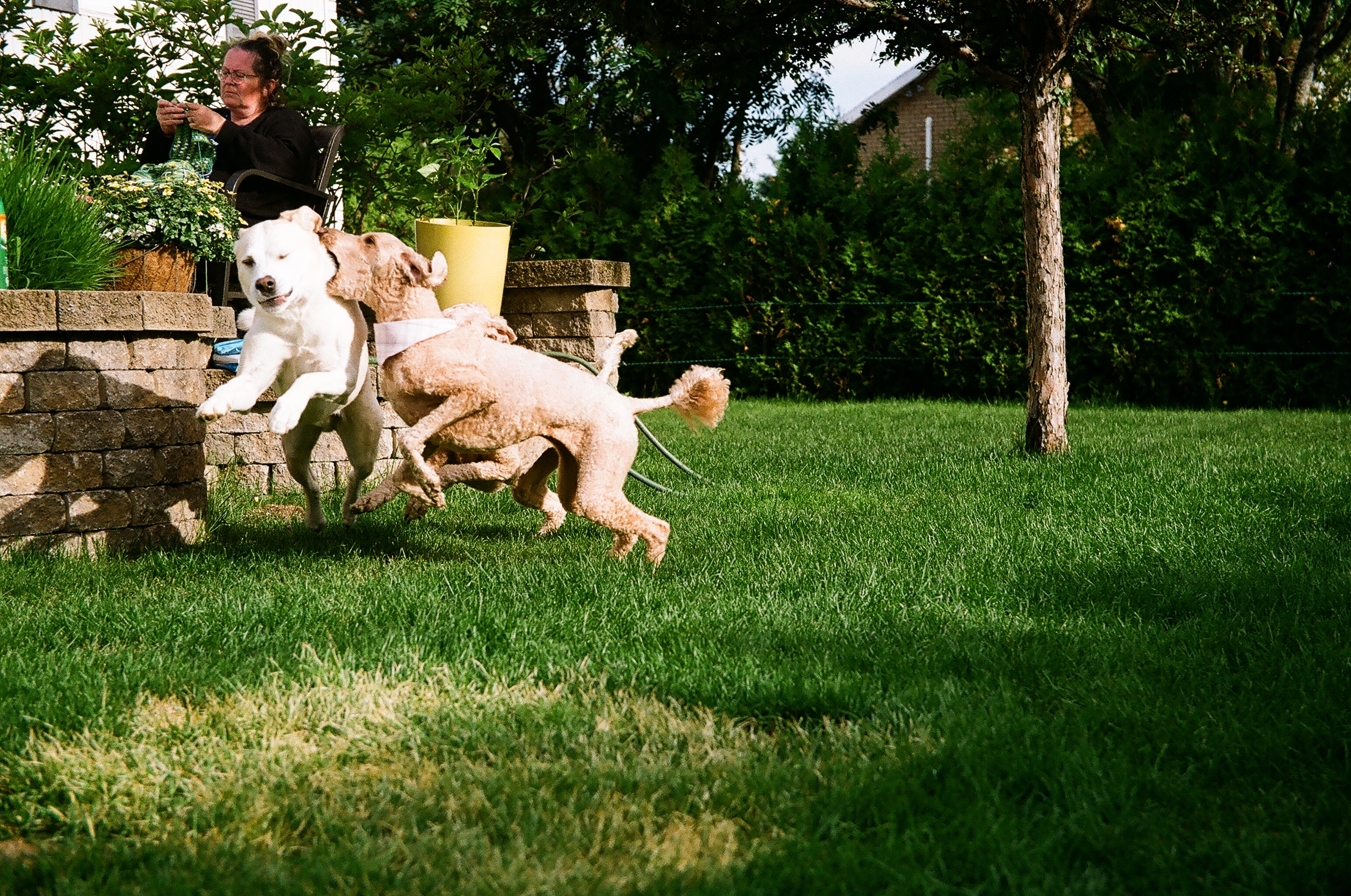
Roughhousing * Kodak 200 * Canon EOS630 * Canon EF-S 17-85mm f/4-5.6 IS USM
8mon 28d ago in analog from lemmy.ca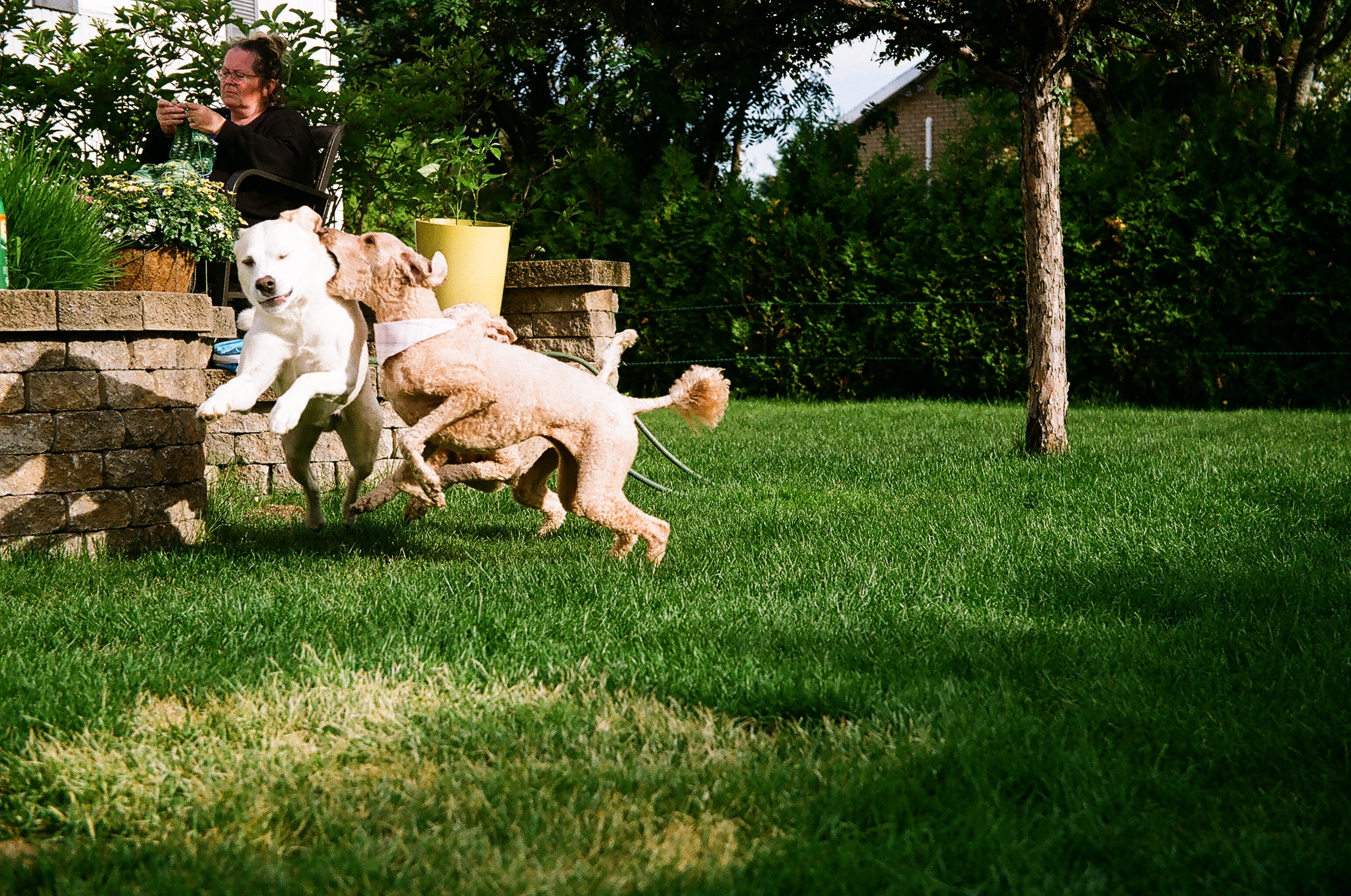
Roughhousing * Canon EOS630 * Kodak 200 - Canon EF-S 17-85mm f/4-5.6 IS USM
8mon 28d ago in analog@lemmy.ca from lemmy.caWhere to look at analog photographs?
9mon 5d ago in analogarchive.org

Missing Norwegian hiker's body found near Hayes River, RCMP say
9mon 27d ago in canada@lemmy.ca from theflatlander.caAll I care about is what happened to the dogs. They were not the ones saying “let’s cross-country 800 Km. for fun “

Agfamatic 1000
11mon 3d ago in analog@lemmy.ca from lemmy.zipSo? How bad are the resulting images?

Backup on RPi + Nextcloud
1y 1mon ago in linux@lemmy.ml from lemmy.mlIn which way do you plan to transfer your photos to the backup storage?
The pictures I currently have and want to save are on an external hard drive and on proton drive. Any (future) pictures I take are:
- sent to proton drive from my iphone, or
- transferred from the camera's SD card to my computer and then added to proton drive using firefox.
Because proton does not have a Linux app, the problem with this workflow is that I need to download every picture I want to edit, and then upload it back to proton.
The options I have are:
-
switch to windows (that is never going to happen).
-
switch to mac (I am temped, but the idea of having to buy a new computer every two years because they become obsolete bothers me a little).
-
stay on Linux and use nextcloud on an iphone, an ipad, a dell optiplex 7010 and a toshoba satellite (both with 4Gb RAM).
In the picture I can see a camera and I assume it uses an SD card
That was just a picture of the RPi4 I want to use for this project. Back in 2020 I ran gphoto2 on it and used it as an intervalometer.
Your suggested setup would allow two hard drives to be synchronized, but the web archive (proton) would still need constant downloads and uploads.
Free filen and nextcloud accounts have allowed me to do what I want... take a picture with the phone, upload it, edit it on that service's folder, see the changes on every other device.
I might have a misconception of what back up is.
Right before writing this, I used an ipad to take a picture of one of my cats. That ipad has the filen, nextcloud, and sync apps. I added the same photo to a test folder on each of the services I just mentioned. I can see the picture in the test folder of each service on my desktop.
Those are all free accounts, yes. I am not a paying customer yet. If that is not a backup, I don't know what to call it.
Do you need nextcloud?
I am looking for an alternative to proton drive. It does not seem like the Linux app is happening anytime soon, and I want to be able to have a backup of the pictures I duplicate and edit without having to download the file and upload it after the changes I make.
-
filen.io does that, but the servers are on the other side of the Atlantic.
-
sync.com does not have a Linux app either.
-
google drive and mega allow that, but I do not use those services.

Backup on RPi + Nextcloud
1y 1mon ago in raspberrypi@lemmy.ml from lemmy.ml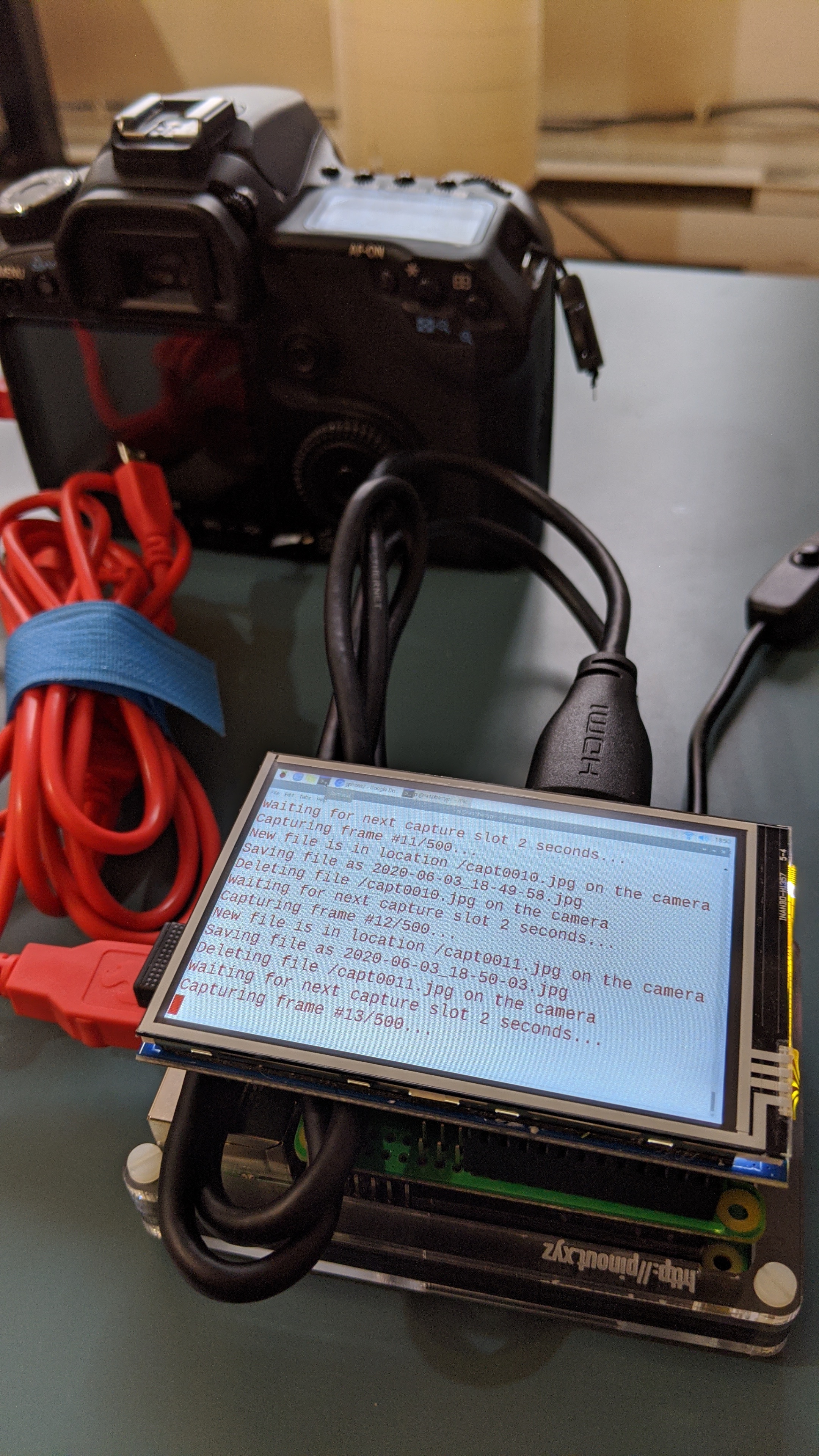
Backup on RPi + Nextcloud
1y 1mon ago in nextcloud@discuss.tchncs.de from lemmy.caThis might be the solution I’m looking for.

Backup on RPi + Nextcloud
1y 1mon ago in nextcloud from lemmy.ca